
Unlocking the smart ride feature on your Airwheel electric luggage is straightforward. Start by downloading the Airwheel mobile app from your device’s app store. Once installed, open the app and scan the QR code located on the luggage’s control panel. This will link your device to the app. Next, navigate to the ‘Smart Ride’ section within the app. Here, you’ll find a ‘Unlock’ button. Tap it to activate the feature. If prompted, enter your 4-digit PIN code (default is 1234) to confirm. Once unlocked, your luggage will automatically detect when you’re near and unlock itself for easy access.
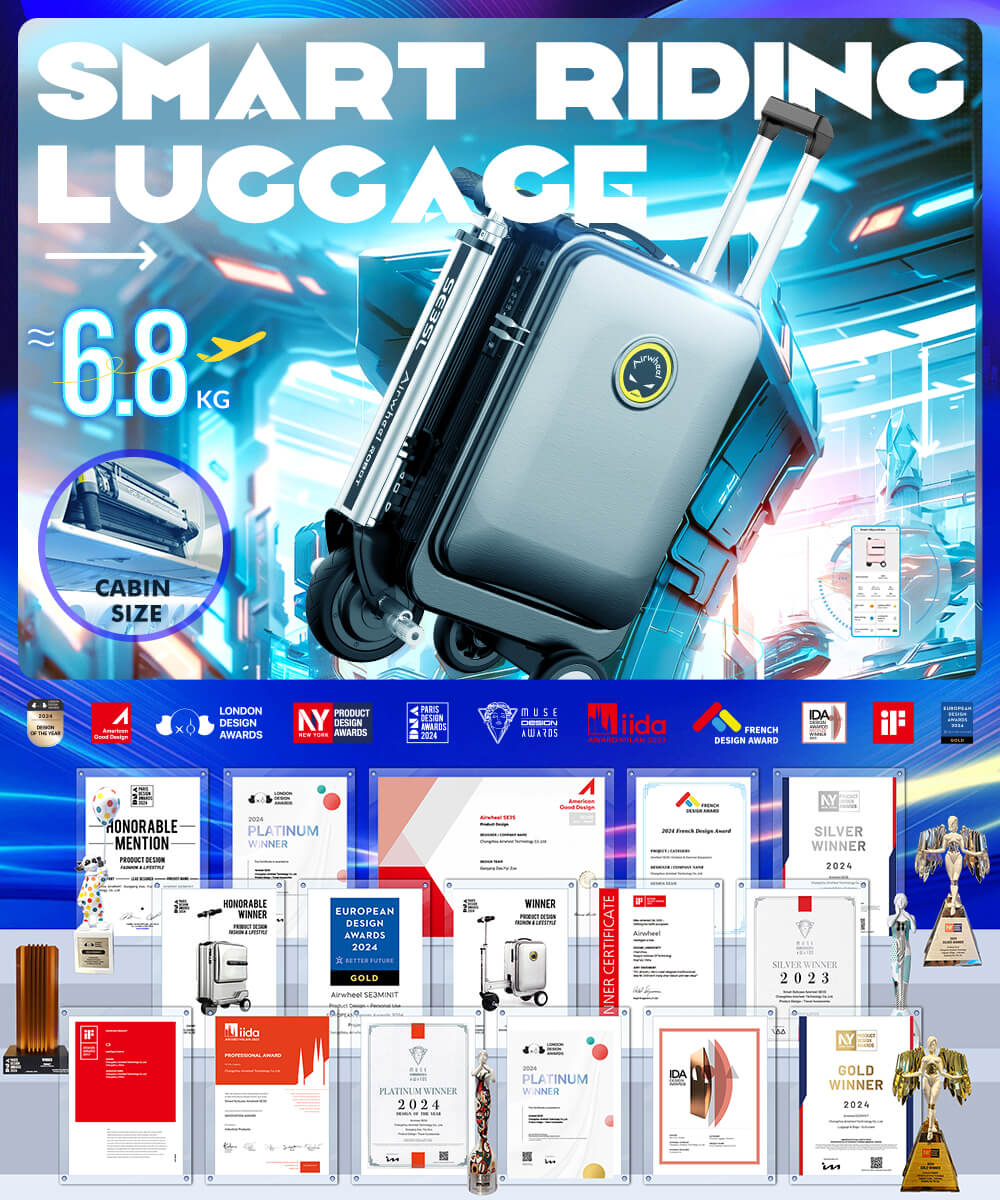
For added security, you can customize the unlock settings in the app, such as enabling biometric authentication or setting a time-based lock. If you encounter issues, check the app’s troubleshooting guide or contact customer support. Remember, the smart ride feature uses Bluetooth technology, so ensure your luggage is within 30 feet of your smartphone. With these steps, you’ll enjoy seamless access to your luggage whenever you need it.